Organize
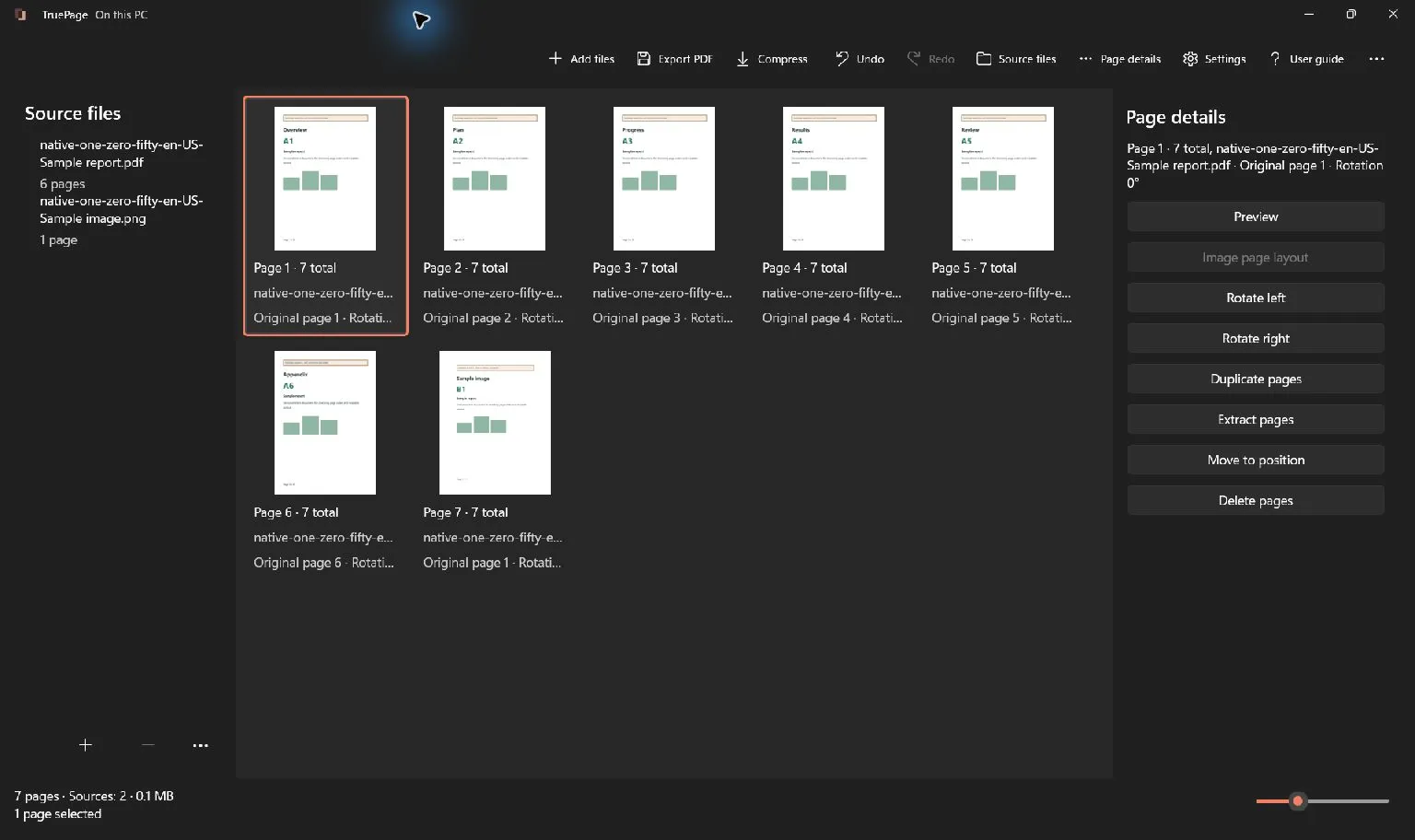
01The whole document, in your hands. Combine, reorder, rotate, duplicate, remove, extract, and split pages in a visual workspace.
A little order goes a long way. TruePage. Available now for Windows 11
A private PDF workspace
Make room for a calmer way to work. Organize, compress, convert, and protect your PDFs—entirely on your PC.
US$19.99One time purchase
Free 7 day trial
Purchase separately to continue.
No subscription or automatic charge.
Prices vary by region. Your local price and terms are shown in Microsoft Store.
Available now for Windows 11
Good tools.
Quiet principles.
01 / A place for every page
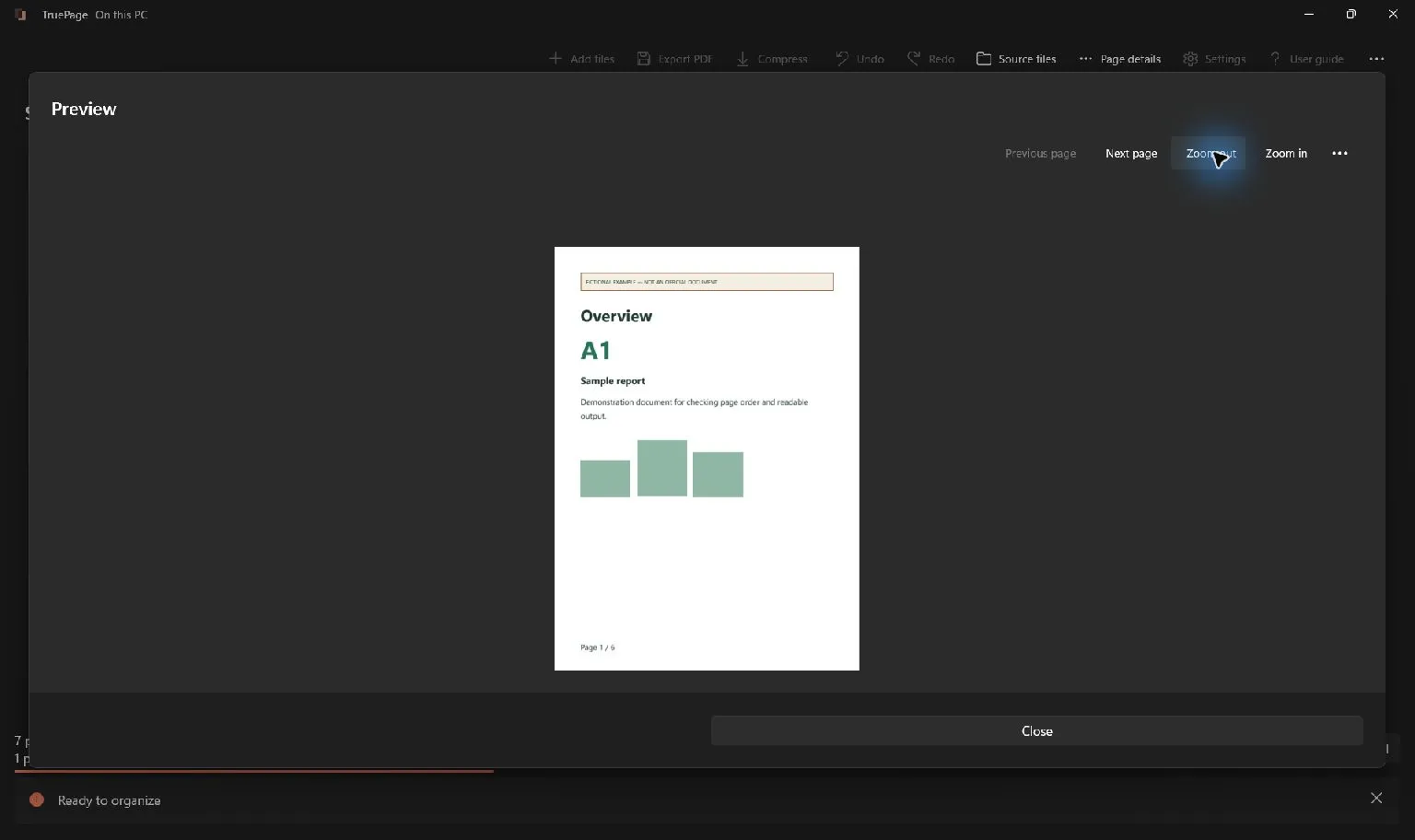
Bring your PDFs and images together. See the whole picture, put pages in order, and export a fresh copy. It all starts in one visual workspace.
Add PDFs, JPGs, and PNGs to the same workspace.
Reorder, rotate, duplicate, or remove pages. Undo when you change your mind.
Export the arrangement to new files while protecting your source documents.
02 / The everyday essentials
From a stack of scans to a document ready to share. Focused tools for the work between opening a file and calling it done.
The whole document, in your hands. Combine, reorder, rotate, duplicate, remove, extract, and split pages in a visual workspace.
A little order goes a long way.Start with Safe optimization. Choose Smaller file when image quality can be traded for space, then review the result before saving.
Know the differenceGive JPGs and PNGs a place in your PDF. Choose page size, placement, and margins—or turn PDF pages into JPG or PNG images.
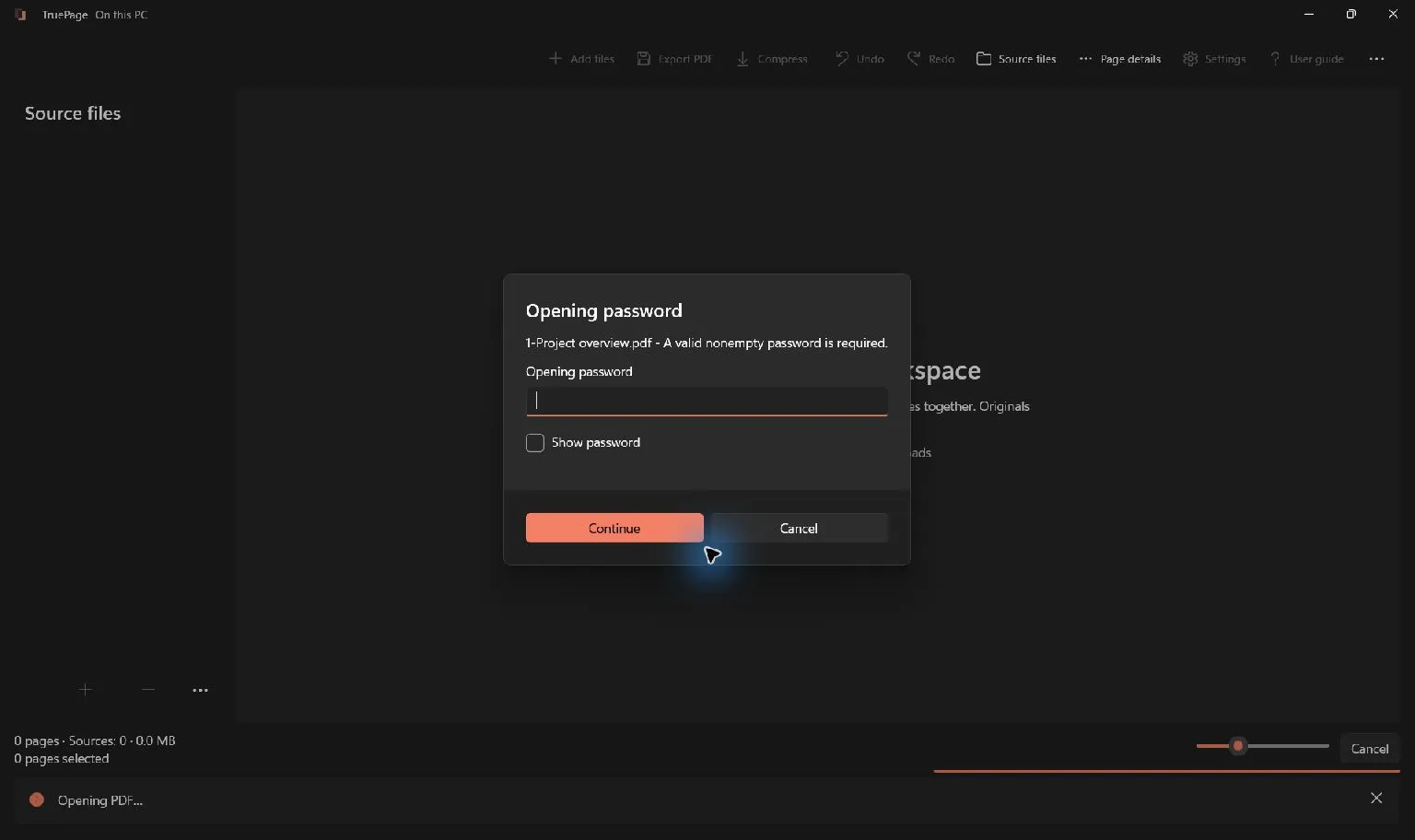
From image to page. And back.Add a password with 256-bit PDF encryption. Keep password operations on your PC, with an explicit review before exporting.
A considered final step.03 / Private by design
Your contracts. Your scans. Your everyday paperwork. TruePage processes them on your computer, with no document uploads or cloud processing.
Our approach to privacyDocument operations run in the app and its local worker processes.
Open the app and start with your documents.
Windows, backups, and cloud-synced folders have their own behavior. Our privacy page explains the distinction.
04 / The TruePage journal
Insert PDF pages into PowerPoint as clear PNG images. Export selected pages, choose the right resolution, fit each slide, and avoid blurry text.
Read the storyPrepare one complete supporting-document PDF for an IRCC secure-account request. Check file size, page order and readability before uploading.
Read the storyMerge PDFs with different passwords in TruePage, protect the saved combined file, and reopen it to verify the new password and every page.
Read the storyA little more clarity
Yes. TruePage is now available from Microsoft Store for Windows 11.
TruePage supports Windows 11 on x64 PCs, build 26100 or later, on supported Windows releases. Windows on ARM, Windows 10, and macOS are not supported.
Document processing runs locally in TruePage and its worker processes. Organizing, compressing, converting, and protecting documents are designed to work offline, with no account or cloud processing. Downloading the app and Store updates are separate from document processing.
Source documents are opened read-only. Edits change the page arrangement in your workspace, and export creates new outputs. Keep both is the default when an output filename already exists.
The workspace accepts PDFs, JPGs, and PNGs. PDF pages can be exported as JPG or PNG images. The app includes ten language catalogs: English, German, Spanish, French, Italian, Japanese, Korean, Brazilian Portuguese, Simplified Chinese, and Traditional Chinese. Translation review is still in progress.
Available now for Windows 11
Try TruePage free for 7 daysUS$19.99One time purchase
Free 7 day trial
Purchase separately to continue.
No subscription or automatic charge.
Prices vary by region. Your local price and terms are shown in Microsoft Store.