Choose by task and edition
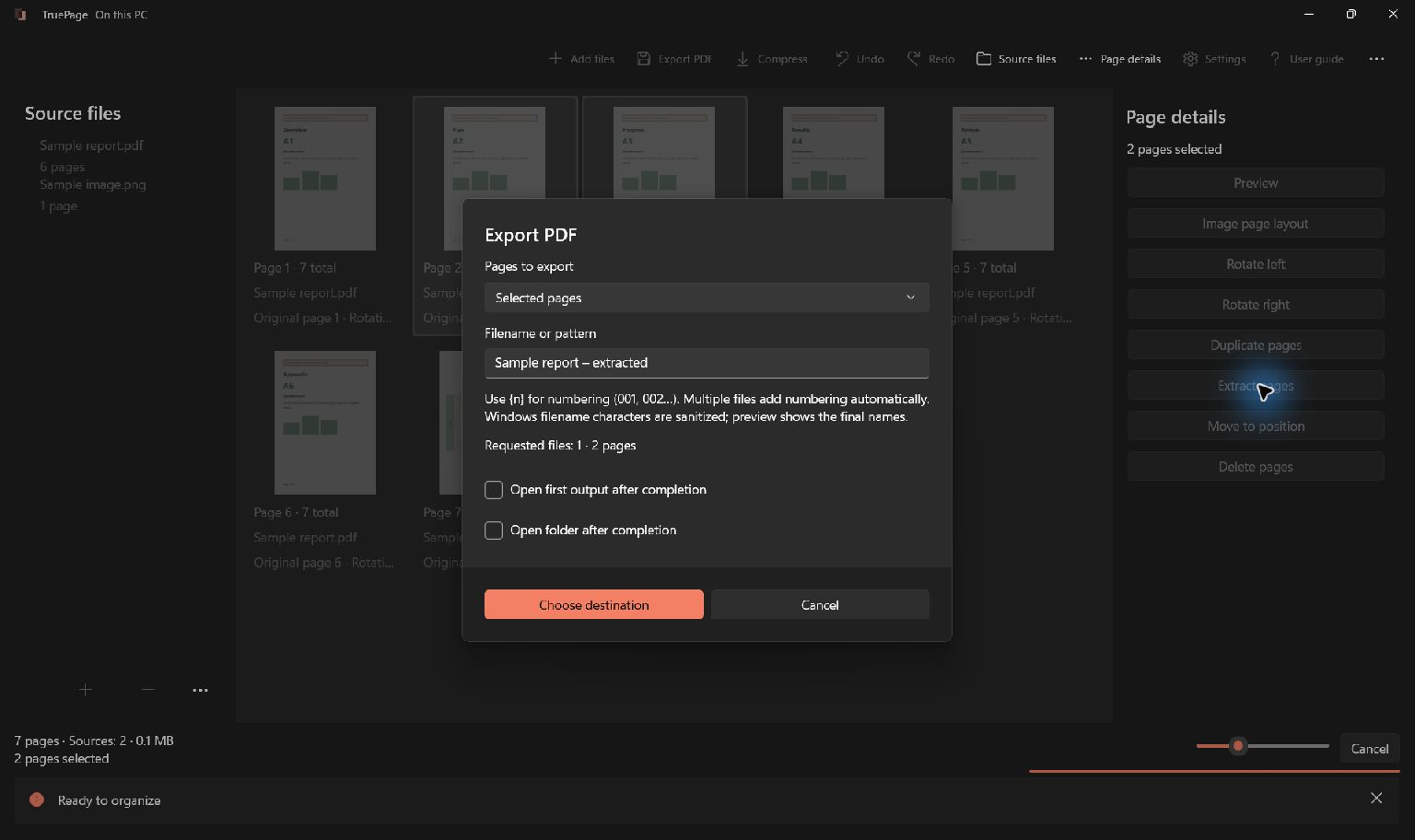
Distinguish the PDFsam product you use: Basic and Visual have different interfaces. For a TruePage trial, take a short document with known page boundaries. Decide whether you need one extracted PDF or several split files. Ranges refer to current output positions, and the preview does not remove the need to enter and check those ranges correctly.
Official product documentation checked 2026-10-13. Features depend on edition; no current price, quota or performance comparison is implied. PDFsam Basic / Visual
| Question | Named edition | TruePage |
|---|---|---|
| Relevant tools | Basic: merge/split/extract; Visual: image-to-PDF and visual tools. | Local PDF/image arrangement and export on Windows. |
| Page assembly | Import the sample, arrange its pages and export a new PDF. | Import the sample, arrange its pages and export a new PDF. |
| When to keep the other tool | Basic uses task modules; Visual provides a different visual workflow. | No OCR, existing-text editing, redaction or signing. |
Use TruePage when the main requirement is assembling PDF and image pages. Choose a broader tool when the row above names a required capability.
Try the same packet in both products
Illustrative task, not a measured product test: Six-page PDF → files of pages 1–2 and 3–6.
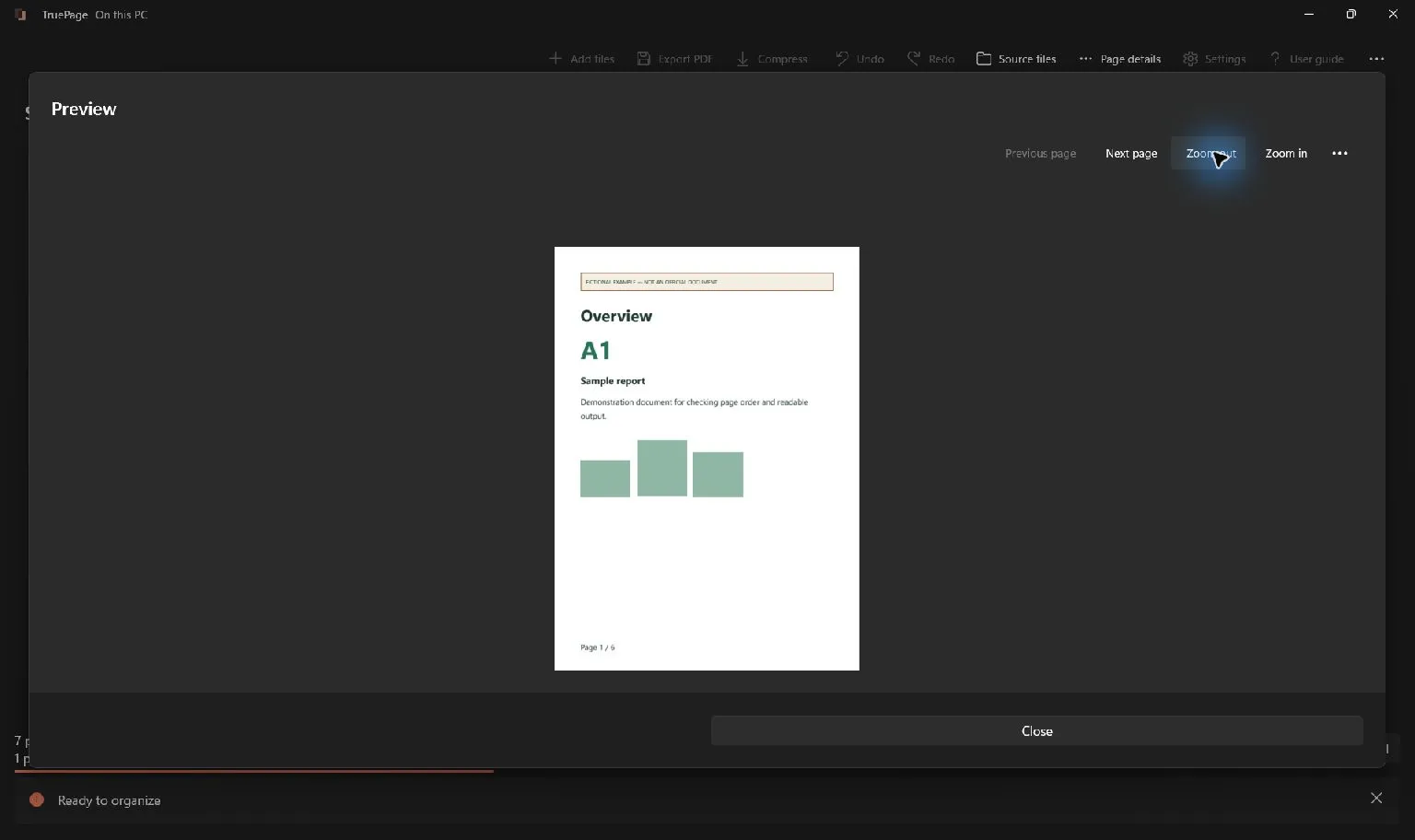
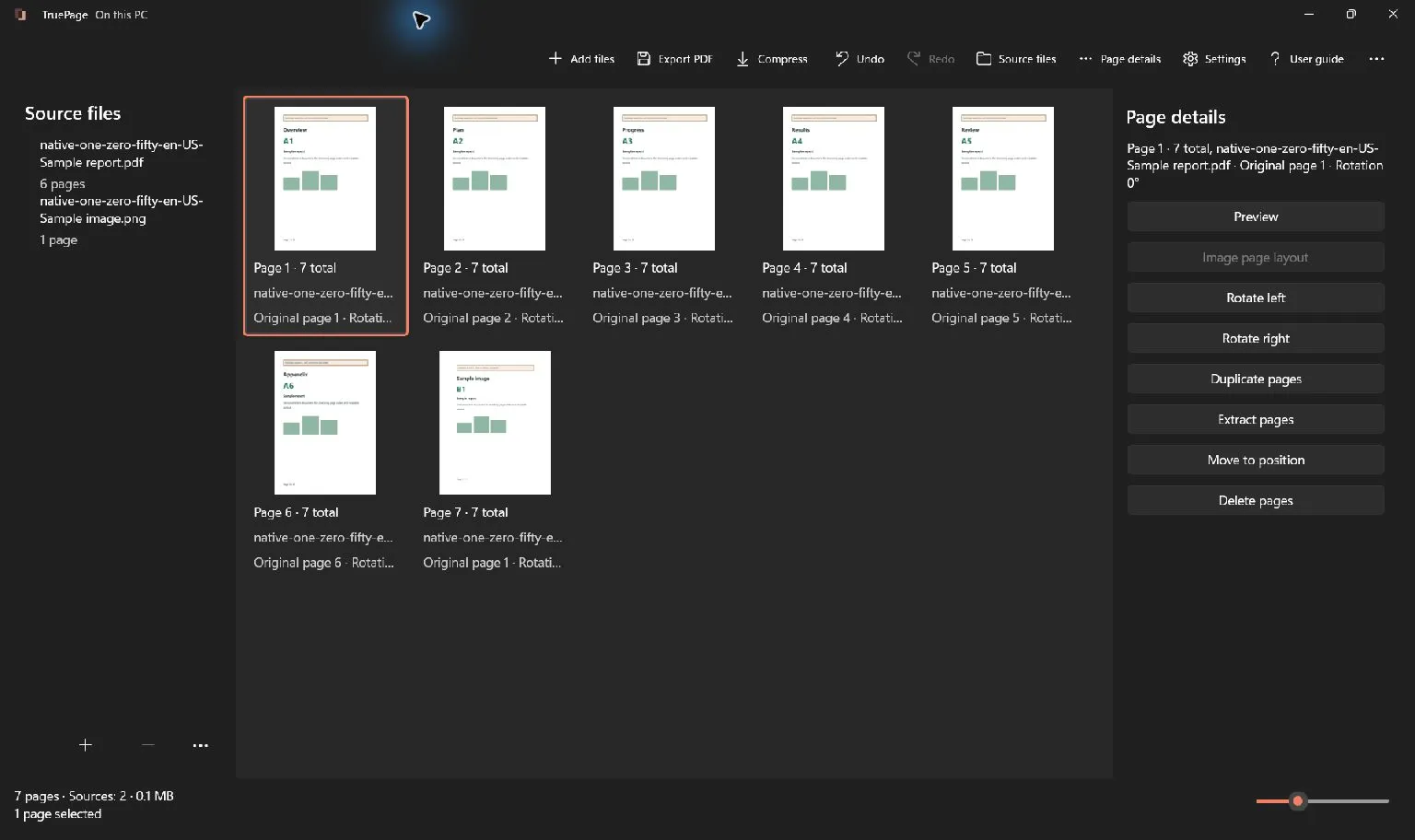
Use copies of the same inputs. In the other product, use its documented page organizer or merge/split tool; in TruePage, arrange the page board and export. Compare the saved page order, text, image edges and any required forms. A matching page count alone is insufficient.
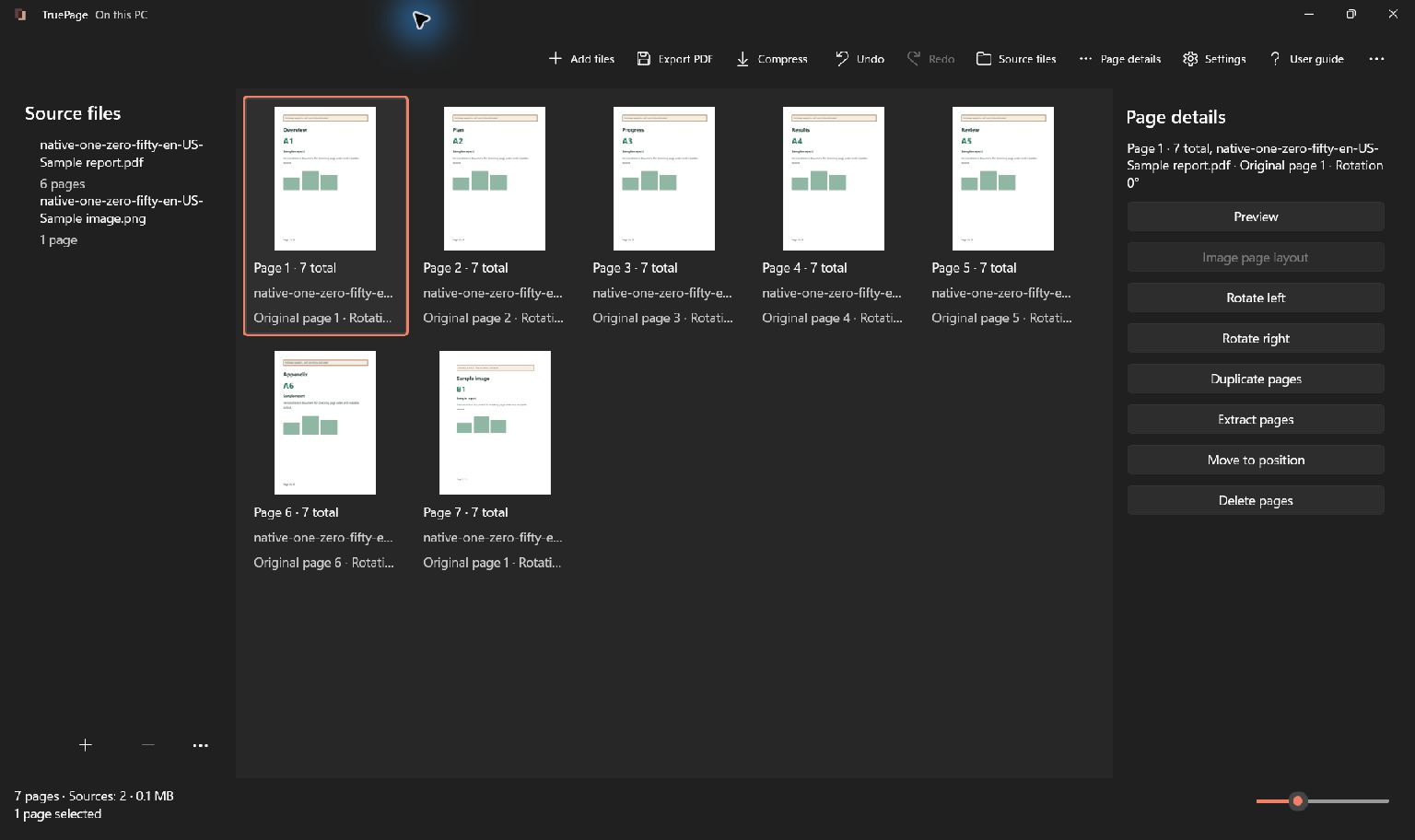
The retained screenshots demonstrate TruePage controls with synthetic guide files; they do not show the illustrative packet.
Verify the result
Open the saved output and check every page. Keep signed originals separately: rebuilding a PDF does not preserve signature validity. Local processing does not prove compliance or superiority, and cloud-synced output folders follow their own policies.

Your pages. Your space.
Available now for Windows 11