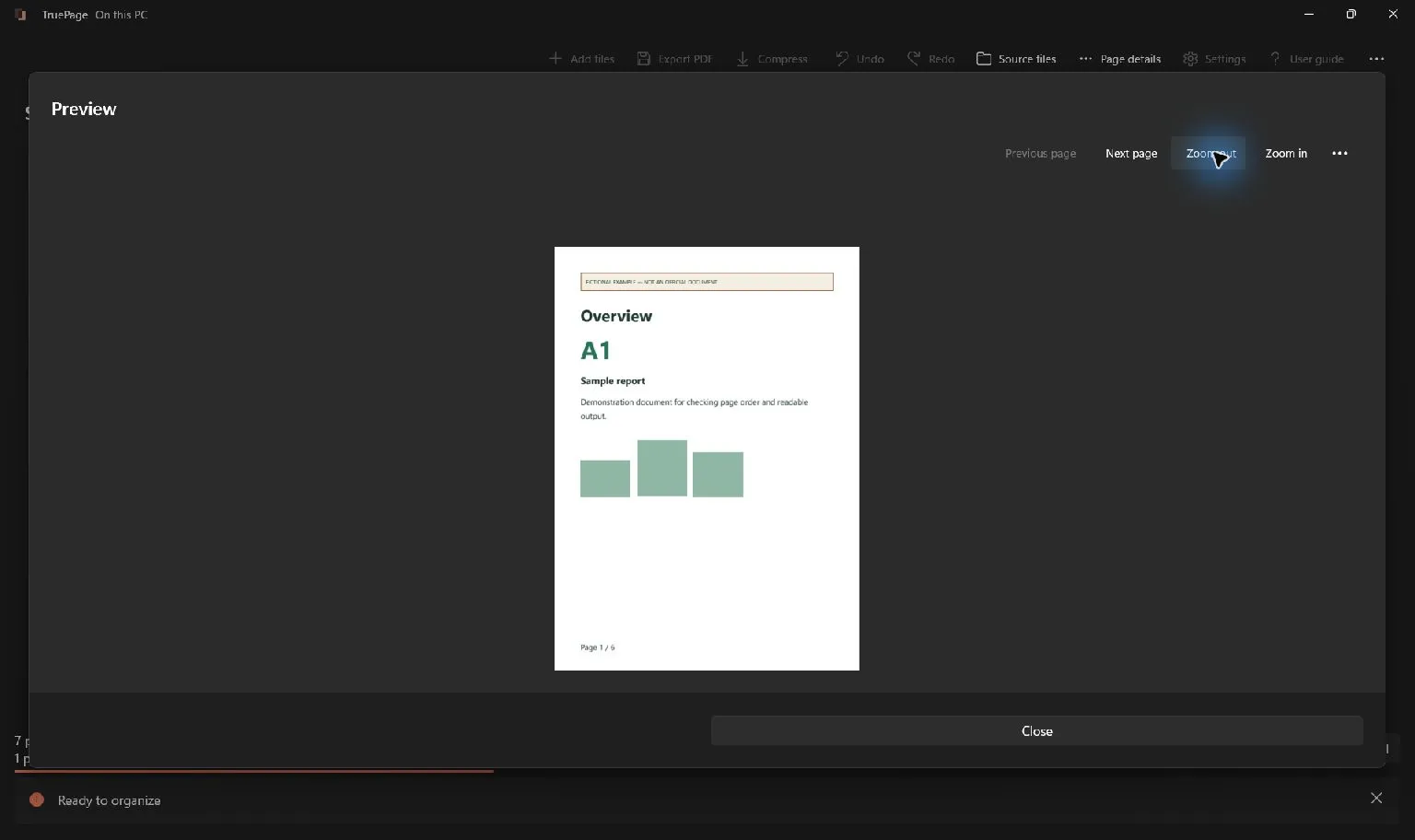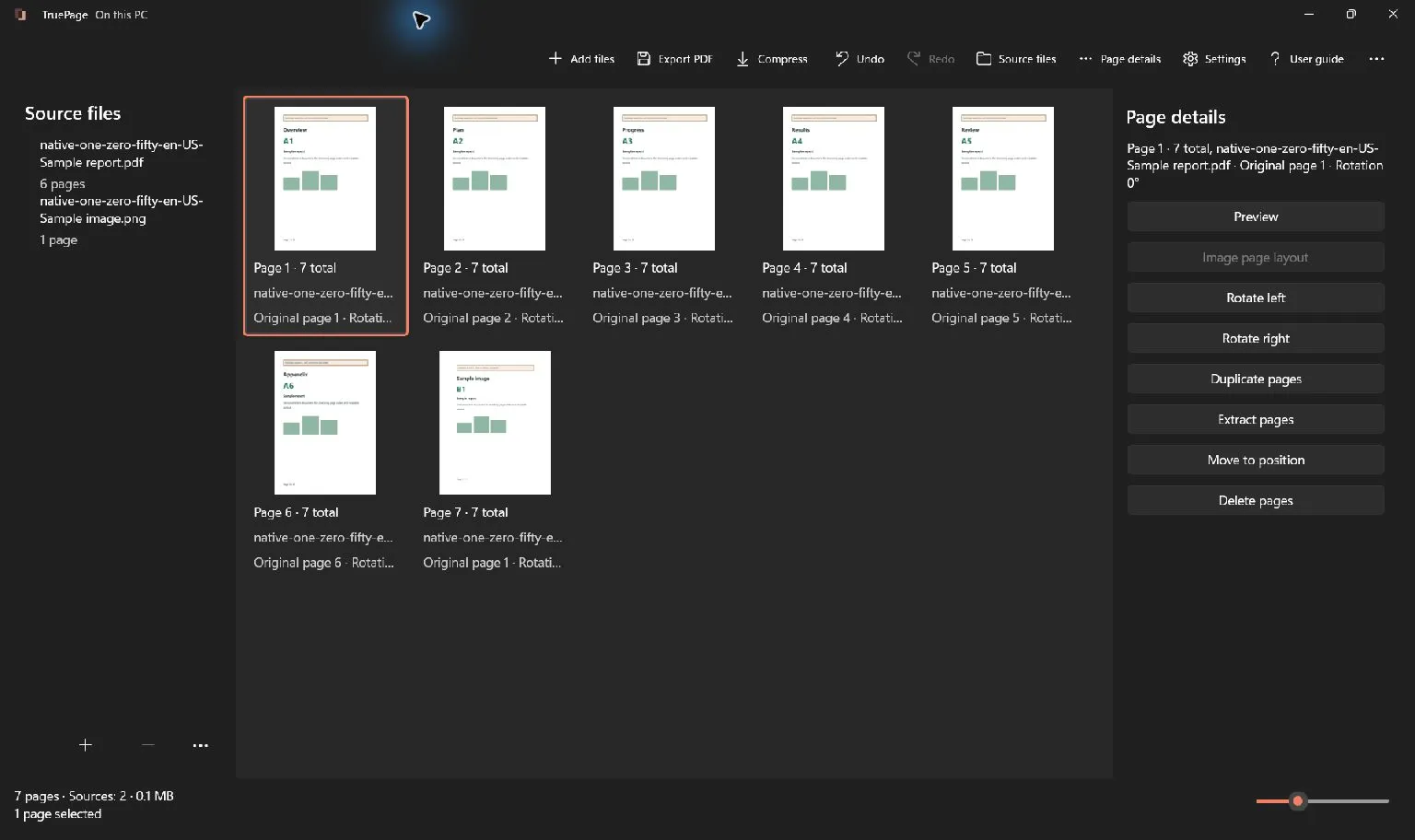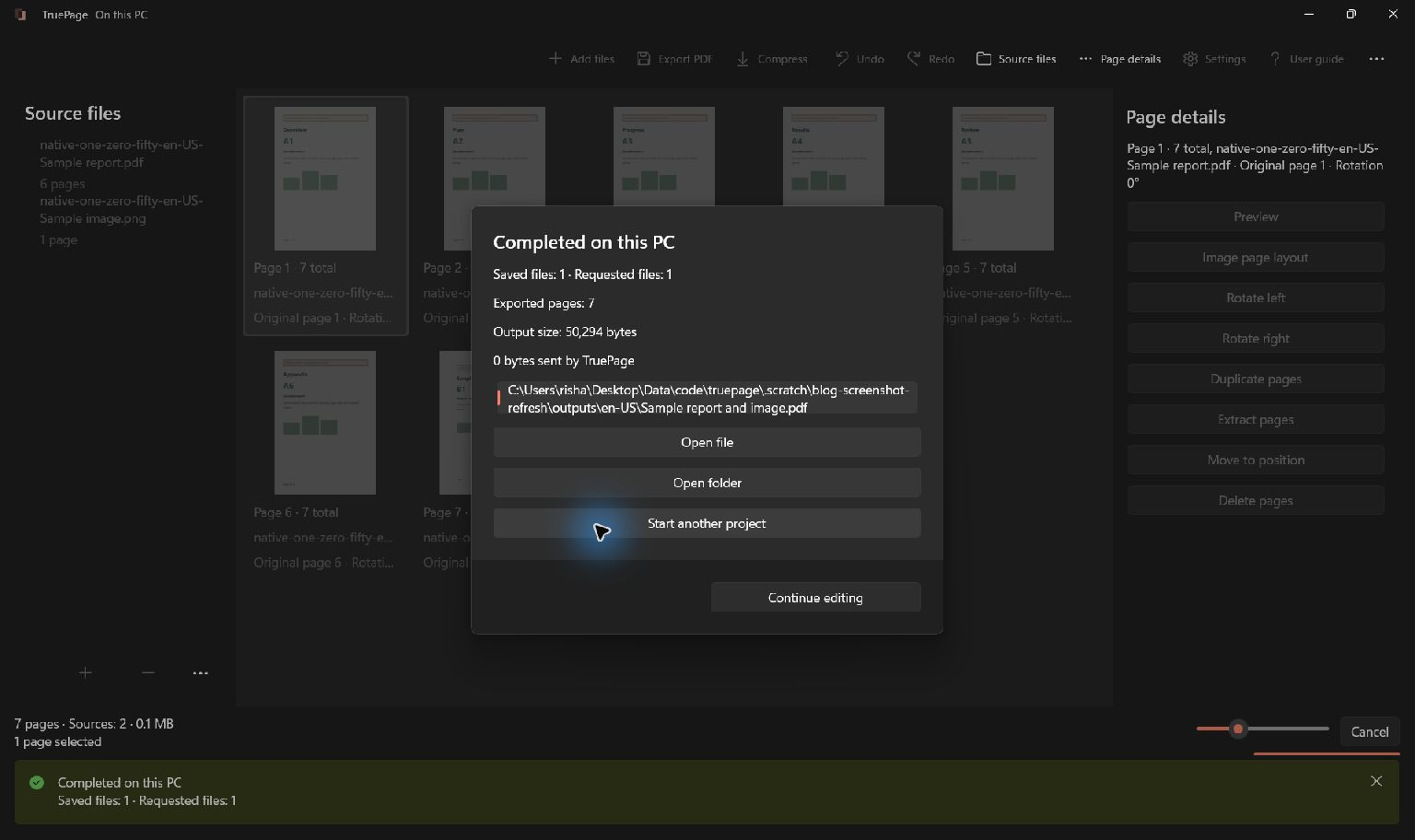
Identify the operation you are choosing
Before uploading sensitive paperwork, distinguish the advertised tool from the specific operation you will use. A website may process a file remotely or offer a different local product. Neither a free price nor a paid plan proves how document contents are used. Read the applicable policy and ask for clarification when the handling of your data is unclear.
Official reference: FTC.
Questions to ask about a service
A free price does not tell you how a service earns revenue or handles documents. Check whether the chosen operation uploads files, who operates it, what its current privacy terms permit, how deletion and backups work, and whether it meets your organization’s requirements. Advertising, subscriptions and other business models are different; do not infer document sales or AI training without evidence. HTTPS protects data in transit but does not answer every question about processing and retention.
Record the answers before uploading
A public brochure and a tax copy containing personal information do not automatically belong in the same service. Record the exact product, operation, policy date and answers that matter for your document.
| Question | What to establish |
|---|---|
| Where does this operation run? | The operator and exact web or desktop edition; browser software can also process locally. |
| What may the provider do with the content? | Permitted purposes in the applicable terms, including any stated training use; do not infer document sales from the price. |
| What is retained? | Uploaded files, temporary copies, backups, deletion timing and any limits on deletion. |
| Who can access it? | Staff, service providers, authorized recipients and the scope of sharing links. |
| What else can a connection reach? | Permissions for linked storage or accounts, credential handling and how unused access is revoked. |
| How is the service maintained? | Security updates, incident notices and a contact for questions about your data. |
| What does your organization permit? | Approval for this service, operation and category of document. |
If a necessary answer is missing, ask the provider or your organization before uploading. A local alternative changes the processing step, but you still need permission to handle the document and a suitable destination.
Why credentials belong in the review
As of 26 October 2026, two disclosures illustrate different questions. Railway’s 21 October notice said an unauthorized party may have accessed encrypted environment variables and obtained some decrypted contents. It advised rotating stored secrets. That preliminary report does not establish AI causation; it shows why a review should include credentials as well as files.
Microsoft’s 21 October analysis describes AI-assisted activity in the ConnectWise campaign. ConnectWise’s advisory confirms unauthorized access to Cloud Backup application credentials. Successful authentication alone does not establish which customer documents were taken. The practical question is what a connected application can access and how that access can be withdrawn. These are not reports of a TruePage or PDF-converter breach, nor evidence that local software is immune.
What stays local
Document processing runs in TruePage and its local worker processes. No TruePage account or document upload is required. Installing the app, Store updates, opening the website and other Windows services are separate activities.
Optional feedback is separate: choosing to send it transmits your message and any reply email over the internet; documents and logs are not automatically attached. See what local processing means for the full boundary.
Windows, backup tools and cloud-synced folders follow their own policies. Saving an output in a synchronized folder may cause that software to upload it. A local-processing statement is not a promise that the entire PC makes no network requests.
Protected-source exports can create unprotected PDFs, images or ZIP files after explicit acknowledgement. Choose destinations and sharing methods appropriate for those results. The workspace itself is not a permanent project archive: export what you need before closing.
For a safe first attempt, return to getting started.
TruePage does not provide OCR, existing-text editing, redaction or signatures. Rewriting a signed PDF does not preserve its valid signature status. Keep originals and follow operation-specific warnings. See the usage guide for complete procedures and limitations.

Your pages. Your space.
Available now for Windows 11