“Local” is a small word carrying a lot of responsibility. For a document tool, it should explain where the work happens, which processes handle the files, and whether a server is involved in producing the result.
TruePage is built around a direct answer: document operations run on your Windows PC, in the application and its local worker processes. The website introduces the product; it is not the place where you upload documents to use the tools.
Follow the document, not the label
Think about a familiar task: combining a form and several receipt scans into one PDF. The important question is where those files go between opening them and receiving the output.
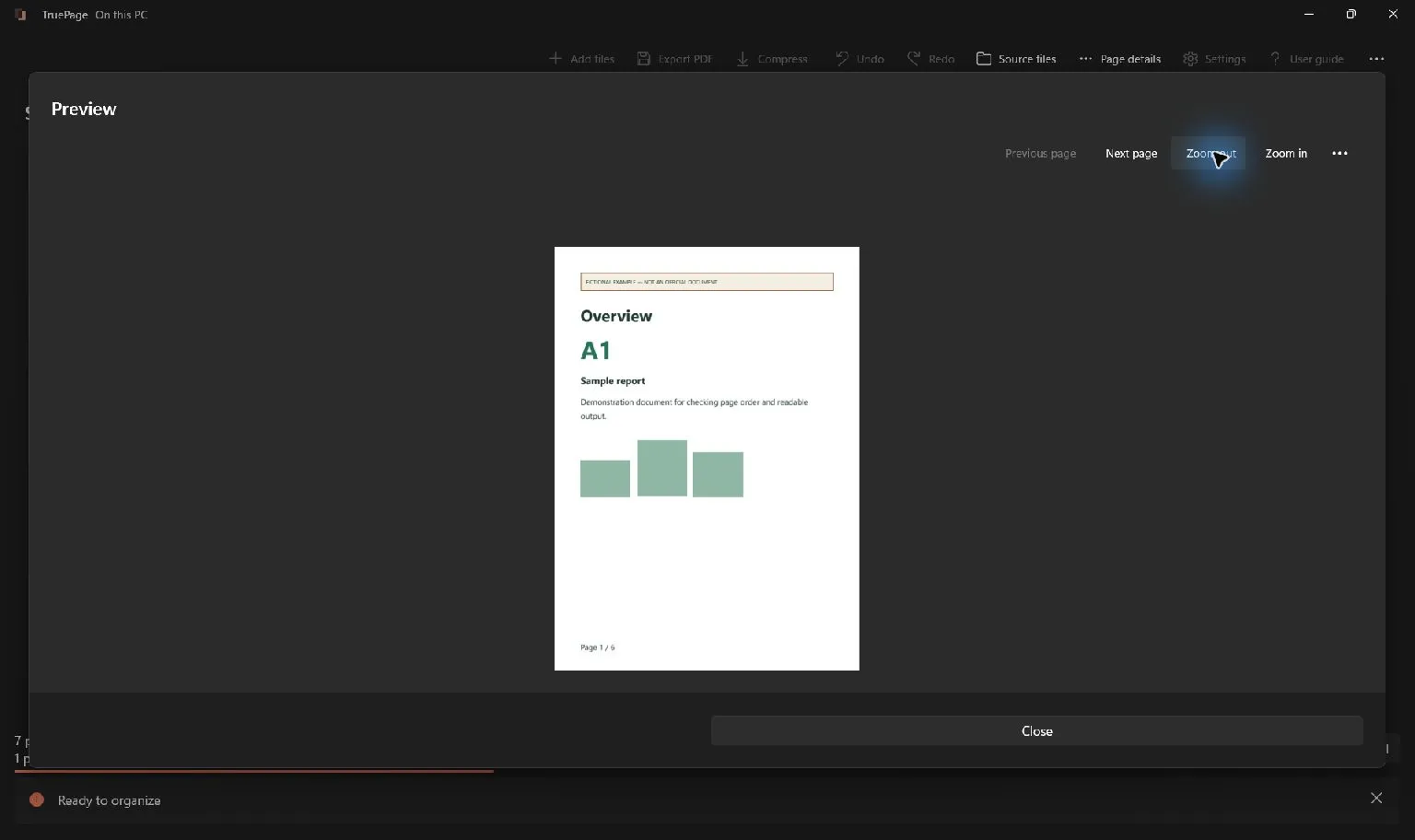
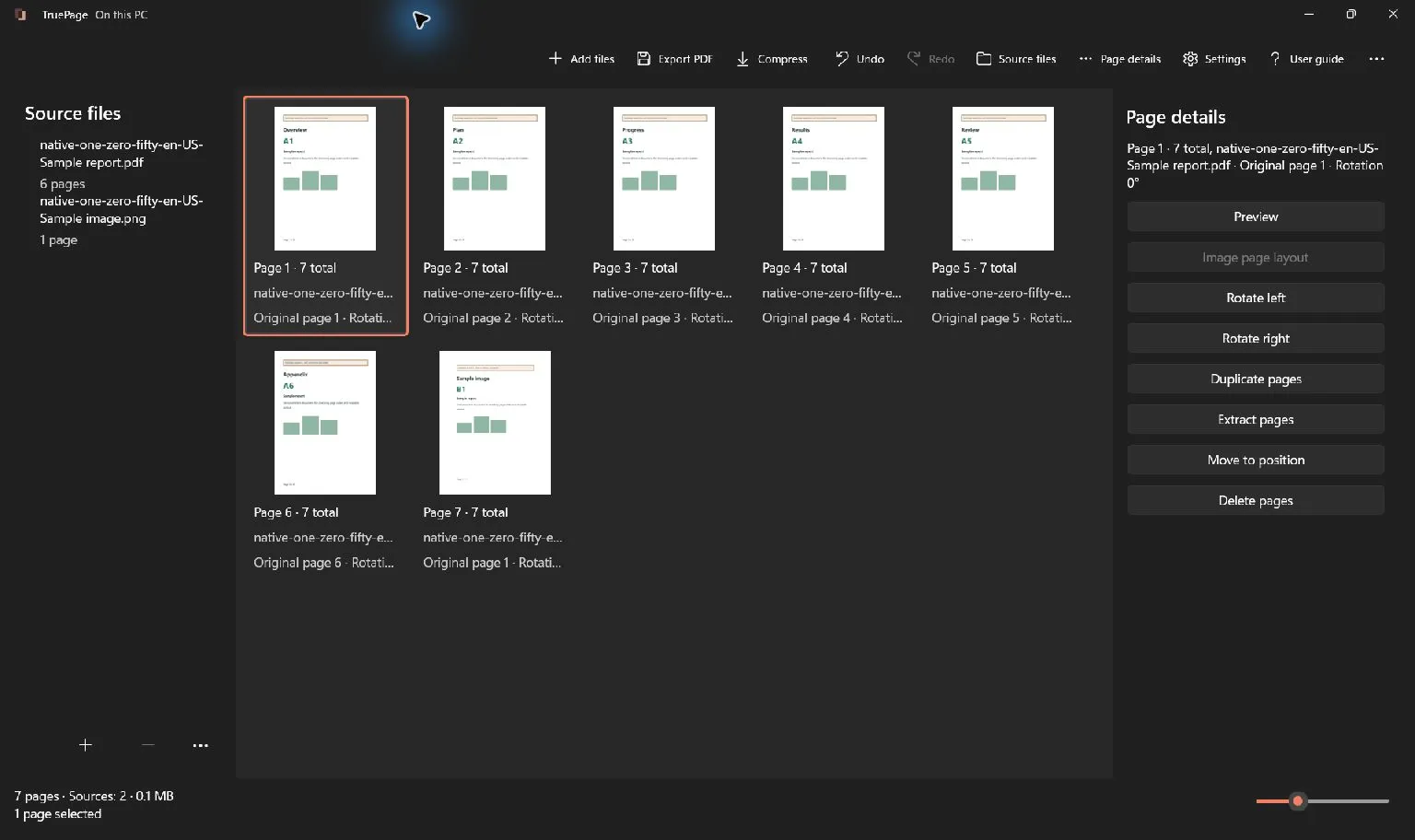
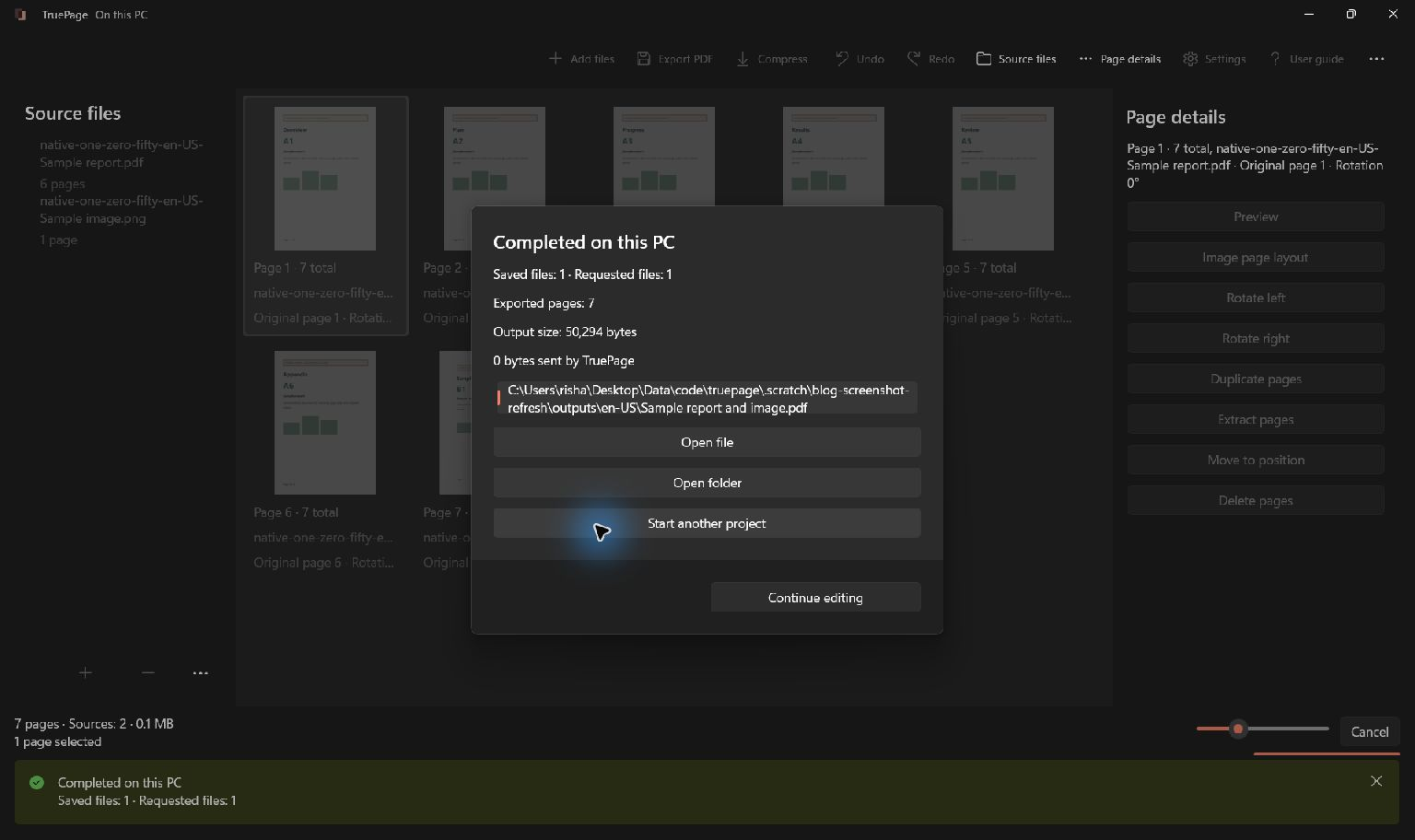
In TruePage, source documents are read locally. Page edits form a workspace arrangement. Export passes an export plan to a separate local worker that produces the output. That worker is part of the application’s processing boundary, not a remote service.
The separation lets the app manage an export as a distinct job. It does not change the local nature of the operation, and it does not require uploading the files to complete the work.
Offline work should include the whole operation
An offline preview is not enough if the final export still depends on a server. TruePage’s document workflows—Organize, Compress, Convert, and Protect—are designed to work with the network disconnected.
The application bundles the components it needs for document operations. There is no account step, remote PDF-processing service, or cloud fallback for the ordinary workflow. Language resources are also part of the application package rather than downloaded during document work.
Obtaining and updating the application is a separate matter. A Microsoft Store download uses the Store’s delivery system. An offline-processing design should not be read as a promise that installing the app from an online store happens without a connection.
Originals and outputs have different roles
A source document is an original PDF or supported image you import. TruePage opens it read-only. The workspace records page references and reversible edits, and an export creates new output files.
That distinction gives you room to try a different order, remove an unnecessary page from the arrangement, or compare a compression result while retaining the source. It does not turn the workspace into a saved project or a backup system.
Keep the original files somewhere you can find again, and save the outputs you need before closing the workspace. An interrupted or changed source can require attention before the app can safely finish an export.
A local folder may still be synchronized
The app’s processing boundary is only part of the story. If you save an output in a folder synchronized by another application, that application may upload it. The same applies to a source document that was already in a synchronized folder before you opened TruePage.
Windows, backups, antivirus software, endpoint monitoring, and other programs have their own access and behavior. TruePage cannot make decisions on their behalf or prevent all other software from reading a file.
For a document that needs to stay on a particular device, consider the source location, output destination, backup configuration, and sharing method together. Local processing answers where TruePage does its work; it does not establish every property of the surrounding computer.
Local is not the same as erased or encrypted
Closing a workspace is not a claim of forensic erasure. Operating-system paging, hibernation, filesystem behavior, and backups can leave data outside the application’s control. Temporary export data and the app’s limited language-restart handoff also have specific lifecycles.
Likewise, adding a PDF password is different from encrypting the computer or securing its backups. A password protects an output according to the PDF’s encryption behavior; it does not retroactively protect an unencrypted source stored elsewhere.
Clear distinctions make the promise more useful. “Nothing uploaded by TruePage’s document processing” is something the implementation can be examined for. “Nothing can ever access these files” would claim control the application does not have.
Document work and network use
| Activity | Where the boundary lies |
|---|---|
| Open, arrange and export documents | TruePage and its local worker processes; no document upload or account is required. |
| Send optional feedback | An internet request sends the message you write and any reply email you provide. |
| Install or update the app | Microsoft Store delivery is separate from document processing and uses the network. |
| Synchronize or back up folders | Other software follows its own settings and may upload source files or outputs. |
Feedback is sent only when you choose to send it. The app does not automatically attach documents, logs, conversion history, app metadata or device identifiers. Text you include in the message is still sent, so leave out passwords and confidential document contents. The privacy page explains feedback delivery, storage and deletion requests.
Maintain the software that opens the file
Local processing avoids sending a document to a processing service. It does not make malicious documents, malware on the PC or compromised updates harmless. A separate worker process is not a security sandbox for untrusted files, and exporting a PDF is not disinfection.
TruePage includes native PDF components that its maintainer must update with app releases. Keep Windows and the app updated through their official channels, and follow your organization’s process for suspicious files. Check the source and output folders, including their sync settings, before handling sensitive documents. A network observation from a particular build and test scenario is not a guarantee about every version or everything running on the PC.
Protected-source exports can create unprotected PDFs, images or ZIP files after explicit acknowledgement. Choose destinations and sharing methods appropriate for those results. The workspace itself is not a permanent project archive: export what you need before closing.
For a safe first attempt, return to getting started.
TruePage does not provide OCR, existing-text editing, redaction or signatures. Rewriting a signed PDF does not preserve its valid signature status. Keep originals and follow operation-specific warnings.

Your pages. Your space.
Available now for Windows 11