Plan this review copy
Start with the authority’s current checklist. Check whether it wants one combined PDF or separate files, which translations or certified copies it accepts, and any size limit. Keep each applicant’s records separate. Inspect names, dates, stamps and the edges of identity documents at readable zoom. Document assembly does not certify a copy or guarantee that an application will be accepted.
A fictional packet with explicit boundaries
The table is an assembly example, not a required submission order. Confirm the recipient’s actual list first; use only authorized copies. The counts are invented to make missing pages easy to detect.
| Order | Document | Pages | Check before inclusion |
|---|---|---|---|
| 1 | Application form | 2 | Same person/case |
| 2 | Passport copy | 1 | Same person/case |
| 3 | Requested translation | 2 | Requested language and certification |
Expected output: 5 — one PDF, in the listed order. Keep separate files when the recipient requests separate fields or categories.
Exclude unrelated records, superseded copies and material the recipient did not request. Removing a page is not redacting sensitive text on a retained page; use an appropriate tool when redaction is required.
Assemble without losing document boundaries
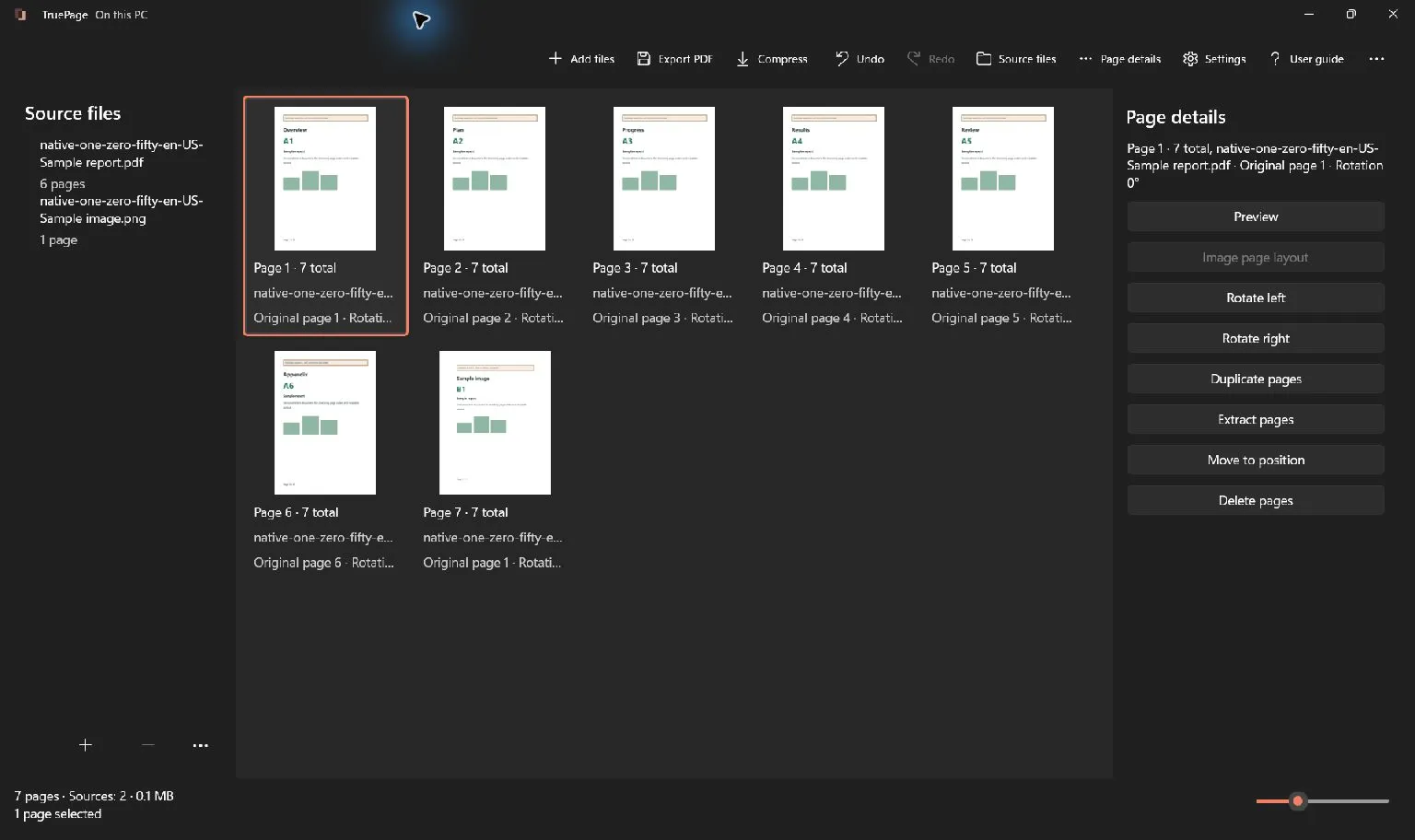
Add the approved files, arrange each complete document in the table’s order, and inspect the boundary between documents. Rotate or remove only the intended page copies. Export all pages under a new name, then open the saved PDF and compare it with the list. If a row is missing or a page belongs to another case, correct the inputs rather than accepting the expected total.
Page organization and export instructions
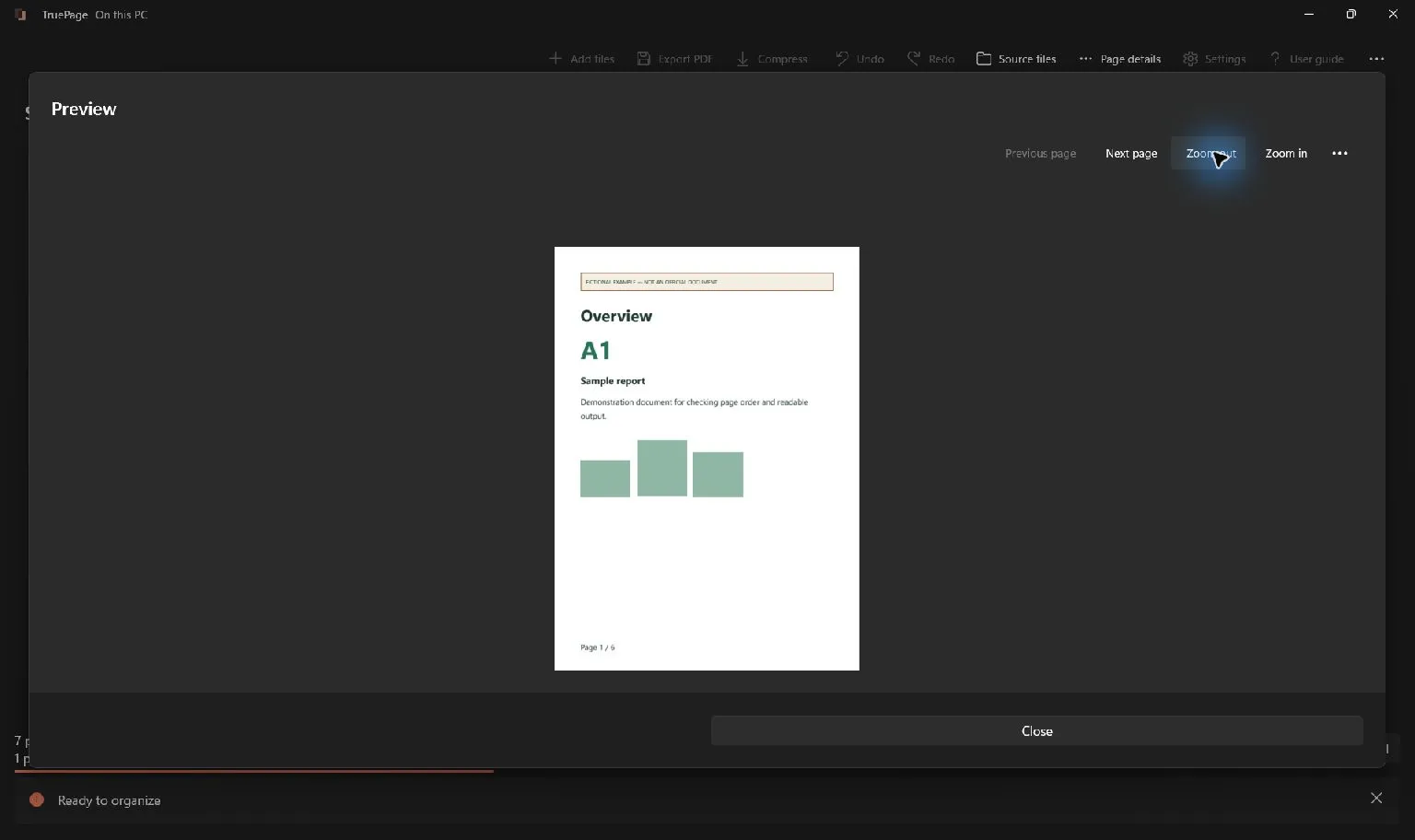
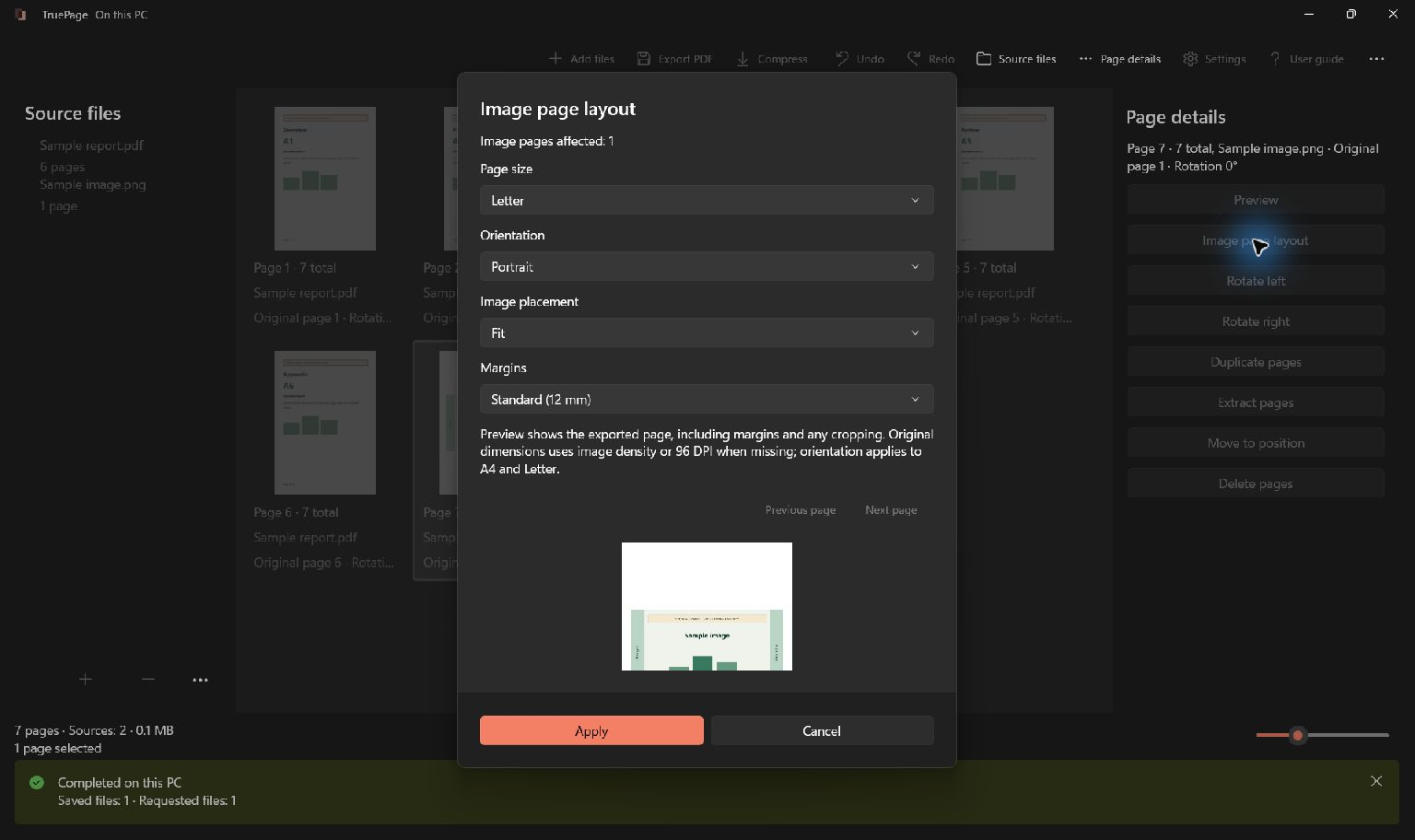
This retained native screenshot shows controls using synthetic guide files; it does not represent this fictional professional packet.
Before handing it over
Confirm recipient authority, document versions and dates, complete attachments, readable details, filename and output destination. Keep signed originals and authoritative records in their approved system. Use the approved delivery channel; assembly does not complete an upload or submission.
TruePage does not provide OCR, existing-text editing, redaction or signatures. Compression and password operations use a whole source PDF: export the arrangement first. Cloud-synced output folders follow their own policies.

Your pages. Your space.
Available now for Windows 11