Choose by task and edition
iLovePDF also offers a desktop app, so the comparison is not simply desktop versus cloud. Start with your actual task and verify where that particular operation processes files. For TruePage, try combining a short PDF and an image, then inspect the export. If you need OCR, Office conversion or signatures, you need a tool with those capabilities.
Official product documentation checked 2026-10-13. Features depend on edition; no current price, quota or performance comparison is implied. iLovePDF Desktop
| Question | Named edition | TruePage |
|---|---|---|
| Relevant tools | Local desktop PDF tools; web edition is separate. | Local PDF/image arrangement and export on Windows. |
| Page assembly | Import the sample, arrange its pages and export a new PDF. | Import the sample, arrange its pages and export a new PDF. |
| When to keep the other tool | Keep it for text editing, OCR or forms your workflow requires. | No OCR, existing-text editing, redaction or signing. |
Use TruePage when the main requirement is assembling PDF and image pages. Choose a broader tool when the row above names a required capability.
Try the same packet in both products
Illustrative task, not a measured product test: Form: 2 pages + one image → 3 pages; retain the form original.
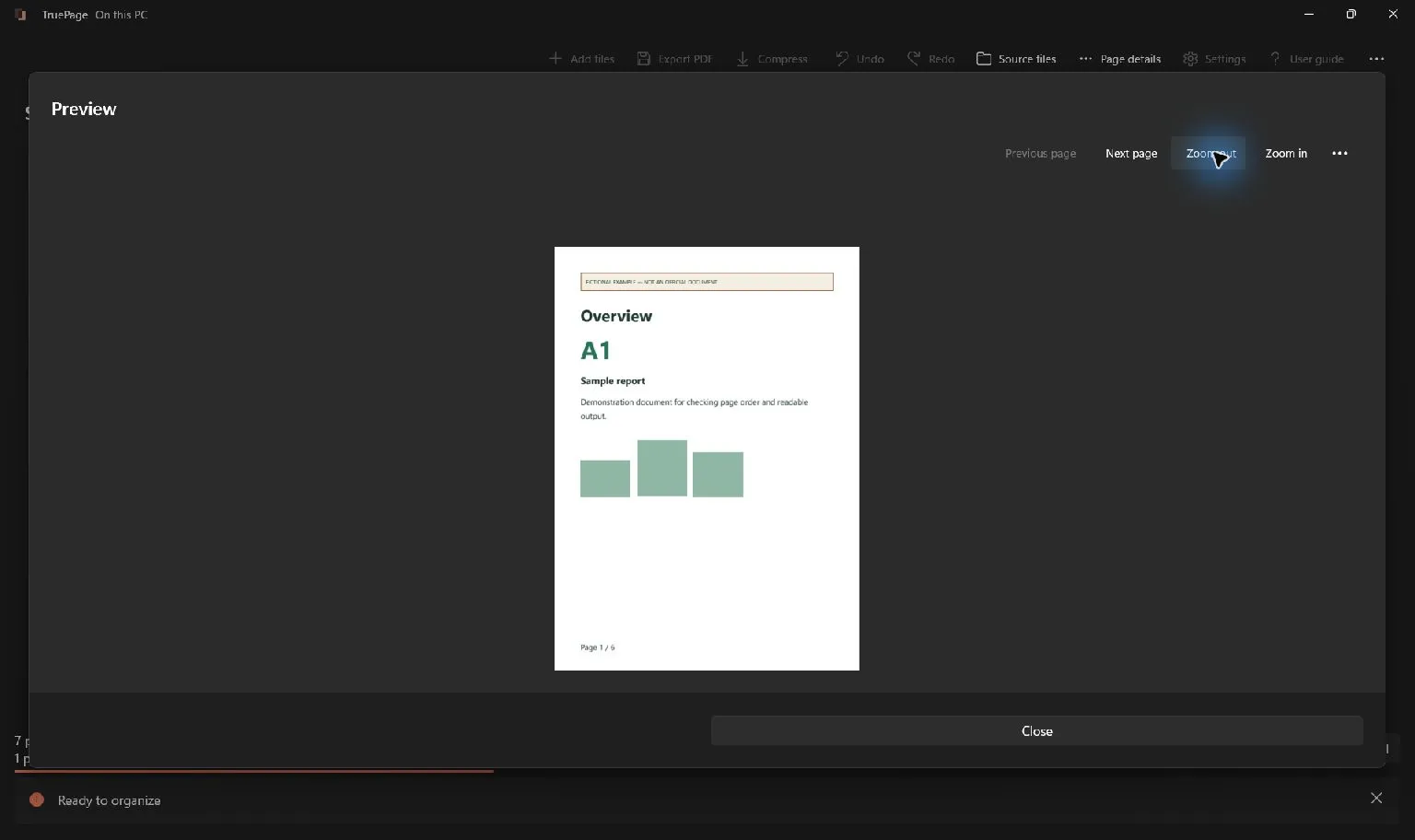
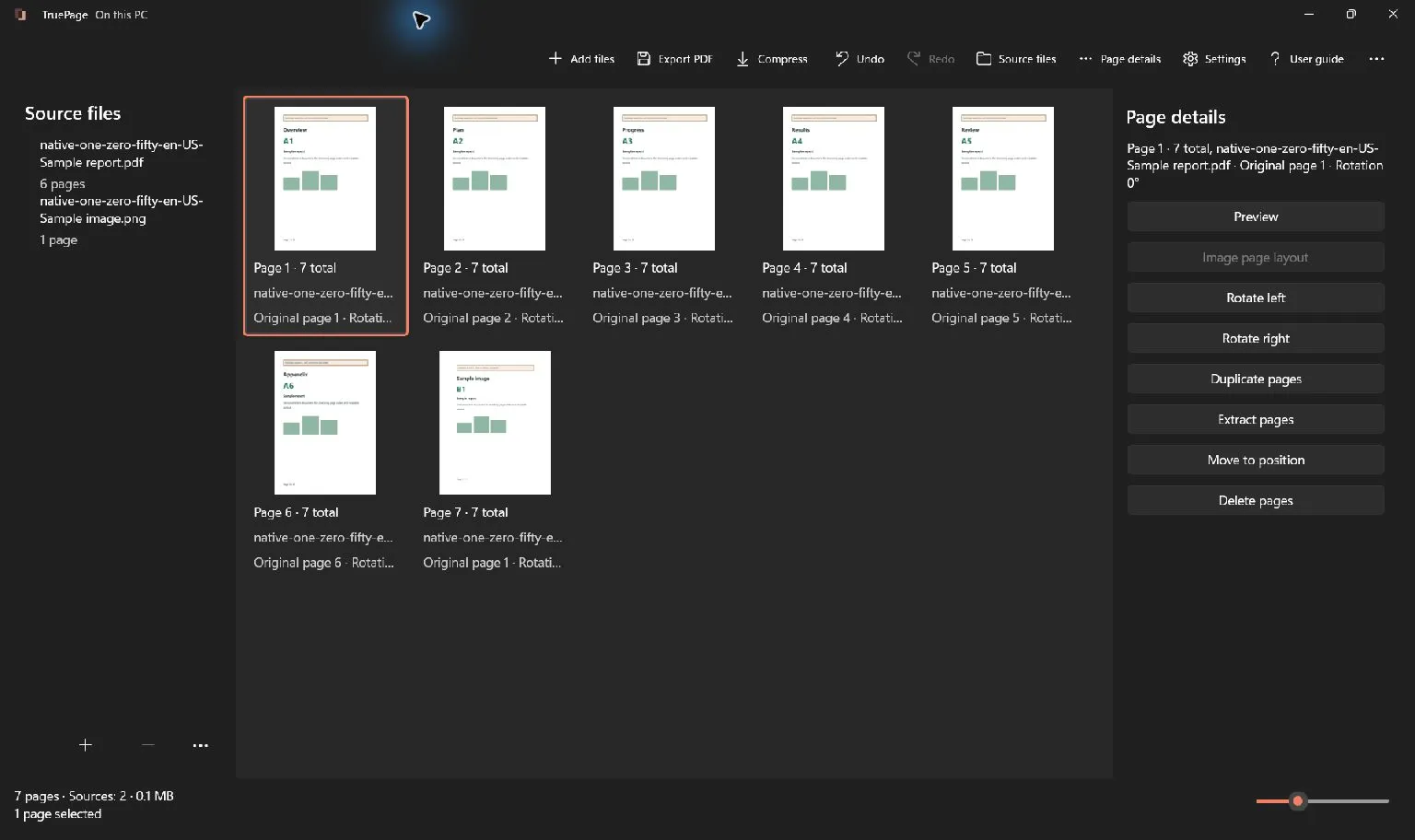
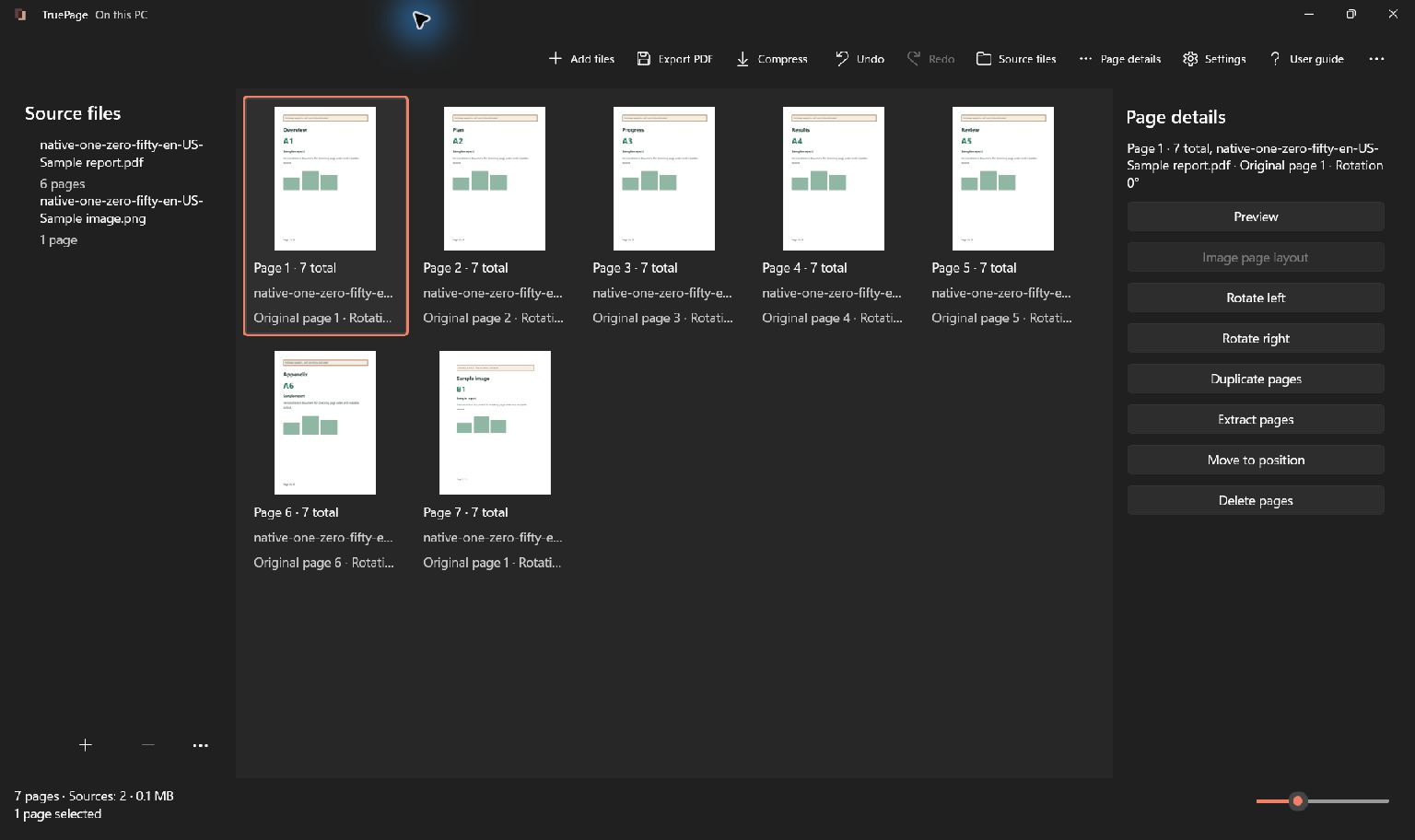
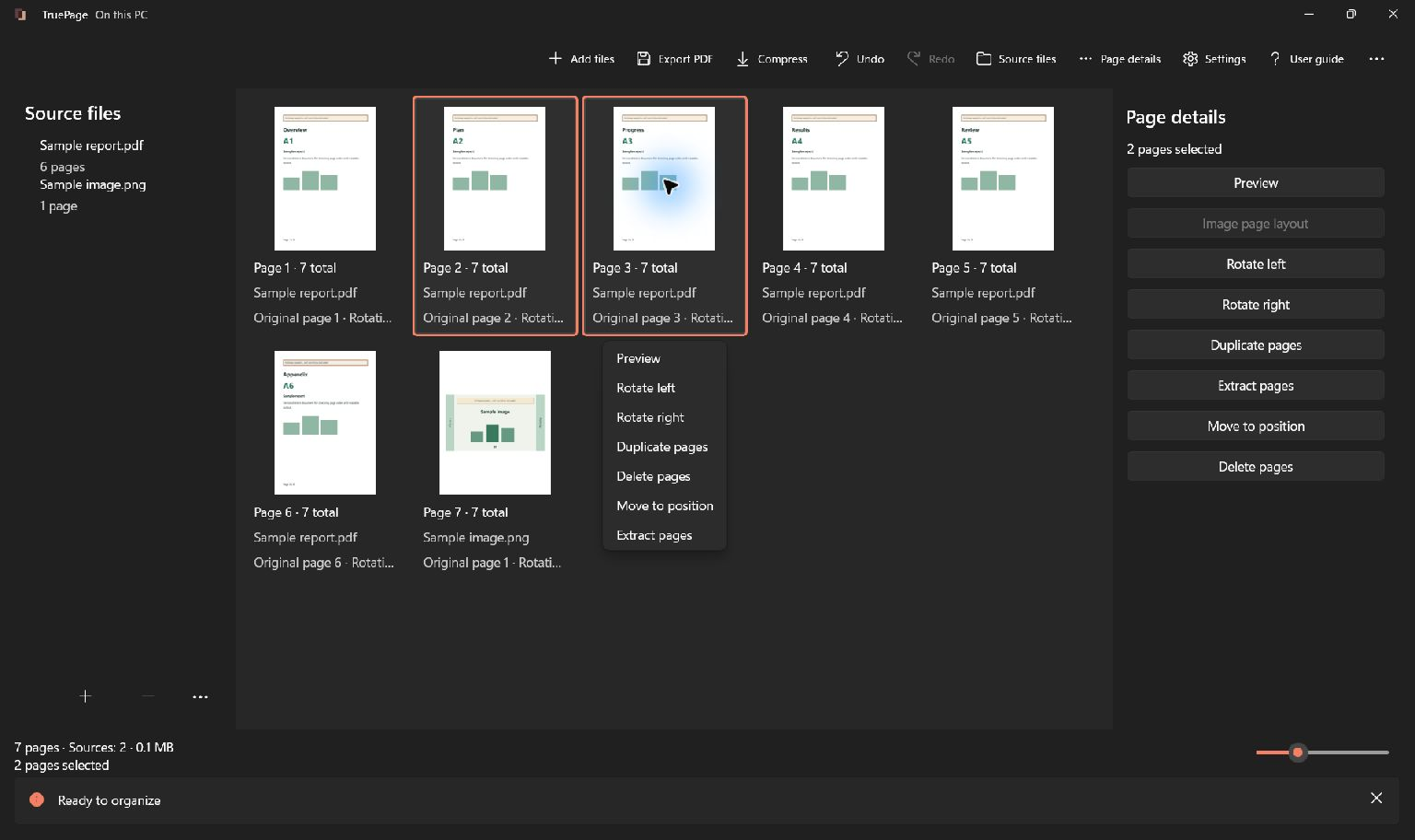
Use copies of the same inputs. In the other product, use its documented page organizer or merge/split tool; in TruePage, arrange the page board and export. Compare the saved page order, text, image edges and any required forms. A matching page count alone is insufficient.
The retained screenshots demonstrate TruePage controls with synthetic guide files; they do not show the illustrative packet.
Verify the result
Open the saved output and check every page. Keep signed originals separately: rebuilding a PDF does not preserve signature validity. Local processing does not prove compliance or superiority, and cloud-synced output folders follow their own policies.

Your pages. Your space.
Available now for Windows 11