If Etsy rejects a printable PDF because it is too large, check the size of that individual file first. Etsy allows up to five digital files, with a maximum of 20 MB each. A small total across the listing does not make one oversized PDF acceptable. The rule comes from Etsy’s digital-listing guidance, checked on October 6, 2026.
For a planner, worksheet pack, or printable journal, there are two useful routes: reduce the PDF’s size while checking print detail, or divide it into complete, clearly named parts. Choose based on what your buyer needs to print and how many download slots you have left.
Decide whether to compress or split
Start with the final PDF you intend to sell. Keep the original design export separately so that each experiment begins from the same source.
| Situation | First approach | What to verify |
|---|---|---|
| One PDF is only slightly over the limit | Try safe optimization | The saved file is actually smaller |
| The PDF contains large scanned or photographic pages | Compare an image-compressed copy | Small text, fine lines, and printed images remain usable |
| The product contains independent sections or paper sizes | Export or split those sections | Buyers can identify the right files and receive every page |
| All five download slots are already in use | Review the whole delivery set before splitting | Extra parts will still fit the listing’s allowance |
Splitting an A4 edition from a US Letter edition can make delivery easier to understand. Splitting an arbitrary bundle every few pages may make it harder to use. Decide the boundaries before creating files, especially when instructions refer to page numbers or a duplex sequence.
Try compression without losing the printable’s detail
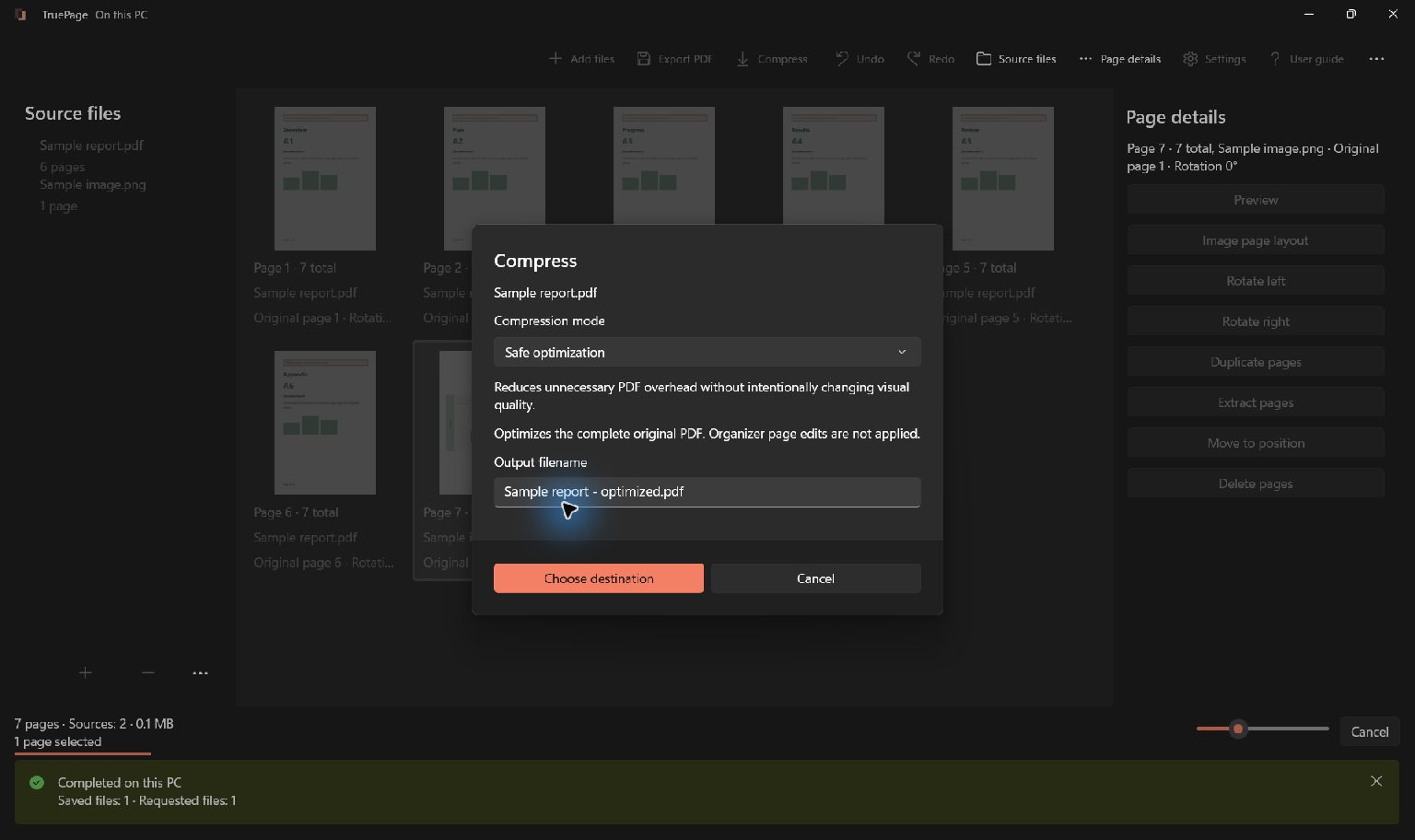
On Windows, open TruePage and choose Compress. Select the final PDF, start with Safe optimization, and give the candidate a new output name. This mode reduces unnecessary PDF overhead without intentionally changing visual quality; it preserves image resolution and JPEG quality.
If the result is still too large, try Smaller file from the original export. That mode can recompress eligible images with visible quality loss. A PDF made mostly of text and vector lines may not shrink much. There is no setting that guarantees an exact 20 MB result.
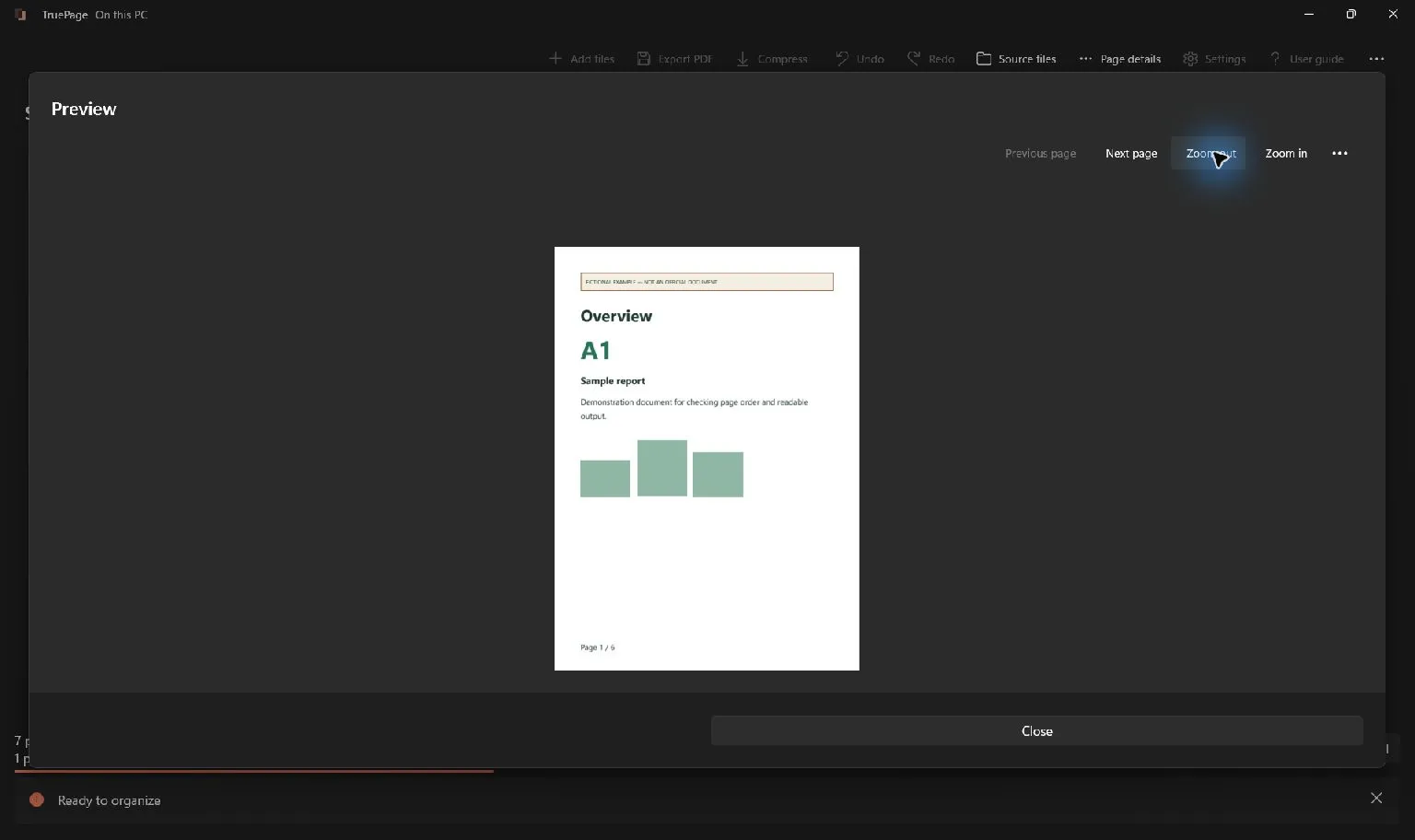
Compare the measured sizes and representative before/after previews before choosing Save new file. If the candidate grows or looks worse, choose Keep original and revisit the delivery structure.
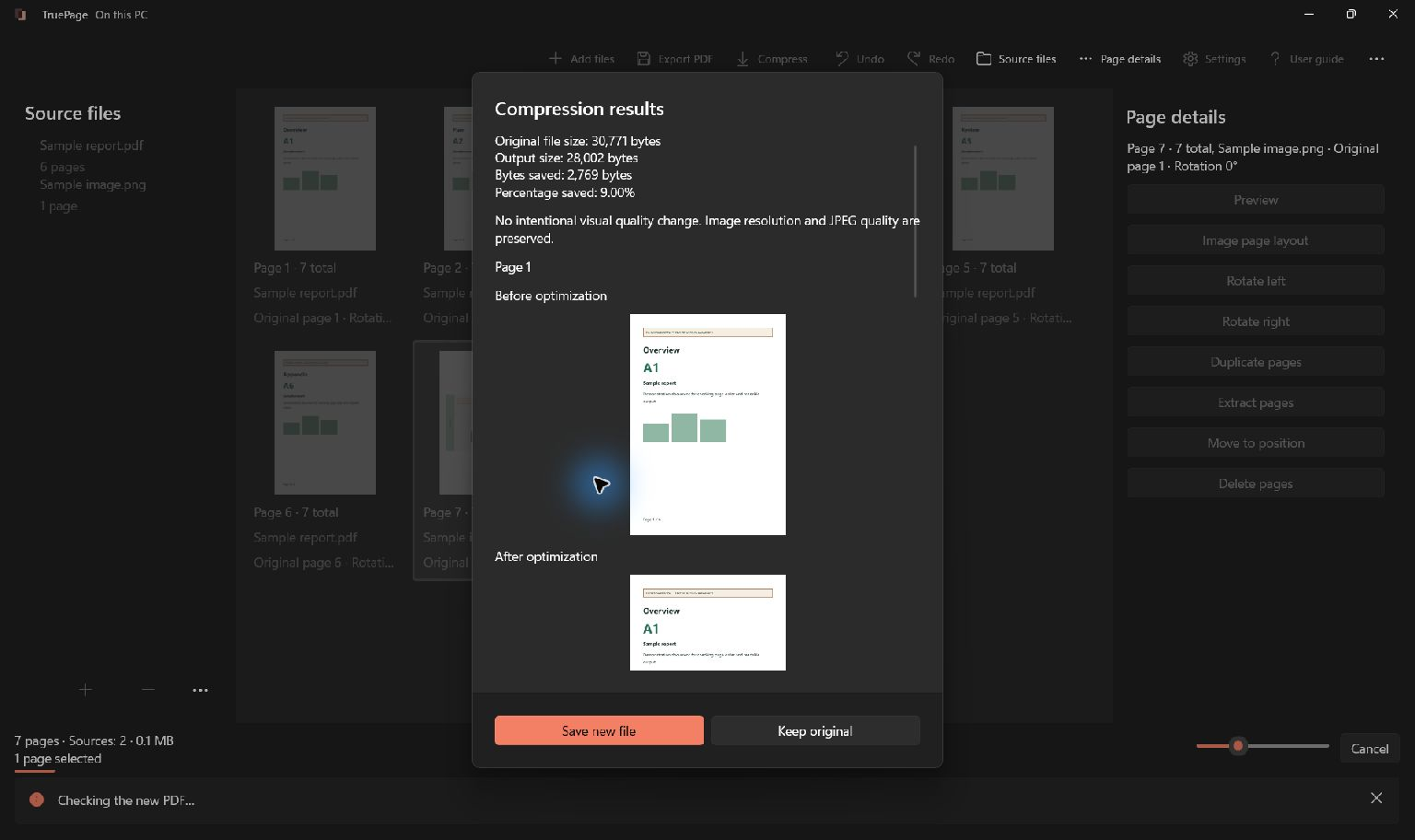
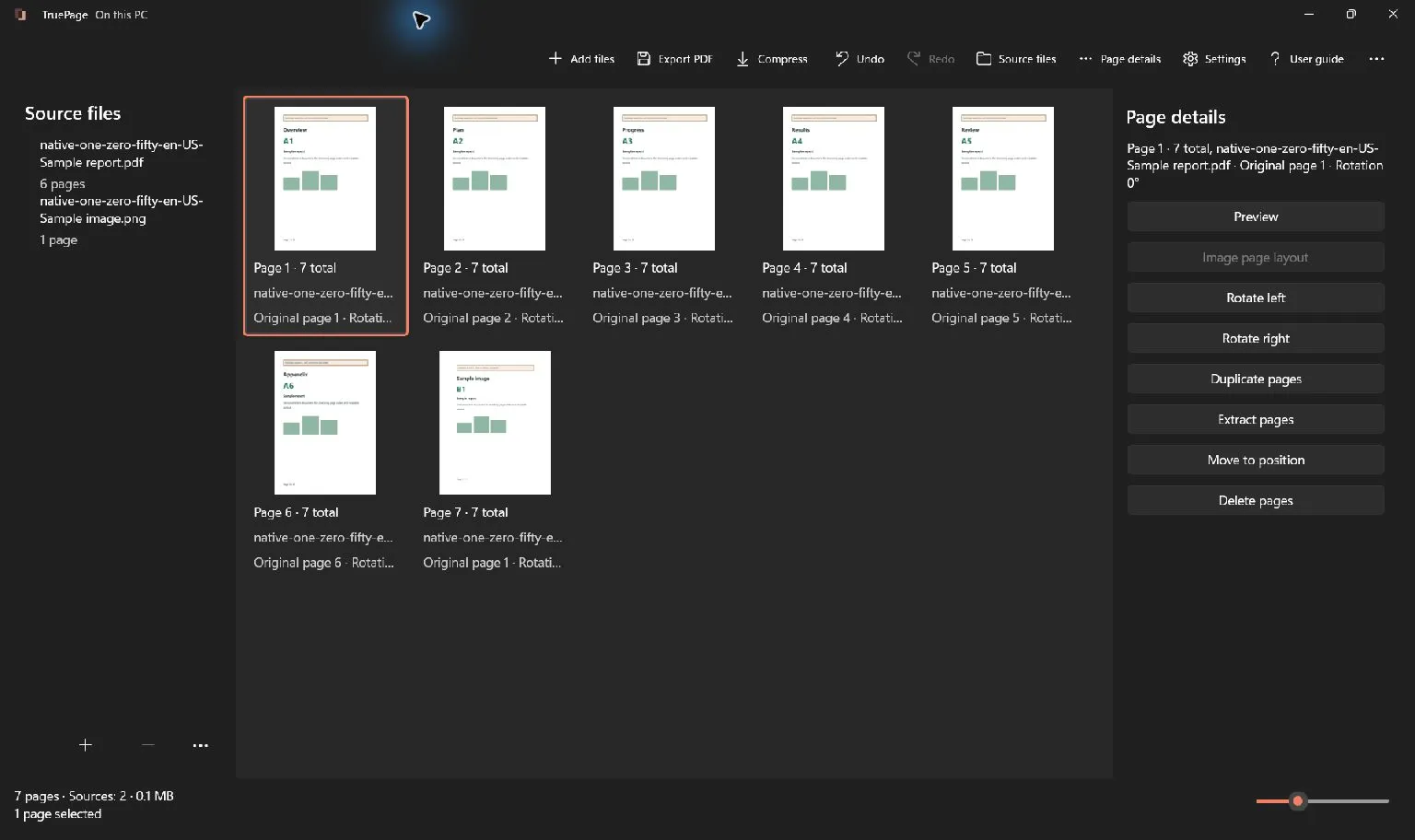
Compression processes the whole source PDF. If you have removed, rotated, or rearranged pages in the workspace, export that arrangement first, then select the exported PDF for compression. Otherwise you may compress the original page set instead of the product you just prepared. The compression guide explains the review and save steps.
Split a large pack into complete parts
Suppose a hypothetical 48-page pack has three independent 16-page sections. The ranges 1-16, 17-32, 33-48 produce three PDFs. Their sizes will depend on their content: equal page counts do not imply equal megabytes.
In TruePage, choose Split PDF, then Split by ranges. Use the current output positions, starting from 1, rather than printed page numbers. Confirm each boundary against the workspace. Overlapping ranges repeat pages in separate files, so consecutive parts should end and begin without a gap or an accidental overlap.
Choose a filename pattern such as planner-letter-part-{n} and review the proposed outputs before exporting. Then open every result and check its actual size. If one section is still too large, adjust that section’s boundary or review its image content. See extracting and splitting for the exact range rules.
Make the download names useful to buyers
Etsy shows buyers the uploaded filenames. Its guidance limits names to 70 alphanumeric characters, periods, underscores, or hyphens, and says they cannot be renamed after upload. Prepare clear names before attaching the files, such as weekly-planner-A4-part-01.pdf and weekly-planner-A4-part-02.pdf.
Count every attachment, including a separate instruction PDF. Two A4 parts, two Letter parts, and one instruction file use all five slots. That is a planning example, not a requirement to include both paper sizes.
Keep the delivery instructions consistent with the actual files. If a PDF includes several print sizes, identify the relevant page ranges. If you separate them, identify the appropriate file instead. Avoid making the buyer reconstruct a document whose order matters without explaining that order.
Check the saved files at print size
Before replacing the listing’s downloads, check the saved PDFs outside the compression review:
- Confirm that each file meets the per-file limit and that there are no more than five attachments.
- Open every part and account for every promised page, including instructions and intentional blanks.
- Inspect small type, writing grids, cutting guides, fine borders, and images at comparable scale.
- Print a representative page at the intended paper size and scale. Screen appearance alone does not establish print quality.
- Check that filenames and listing instructions describe the same edition and page set.
A smaller PDF is useful only if the buyer can still use the printable as intended. If the result loses essential detail, return to the design source or use a clearer file structure instead of repeatedly compressing the degraded copy.

Your pages. Your space.
Available now for Windows 11